Robotics
Guided Project
Robot Maze Logic
Write a robot route, predict where it will end, and trace the first command that goes wrong.
See how it worksProgram / Robotics
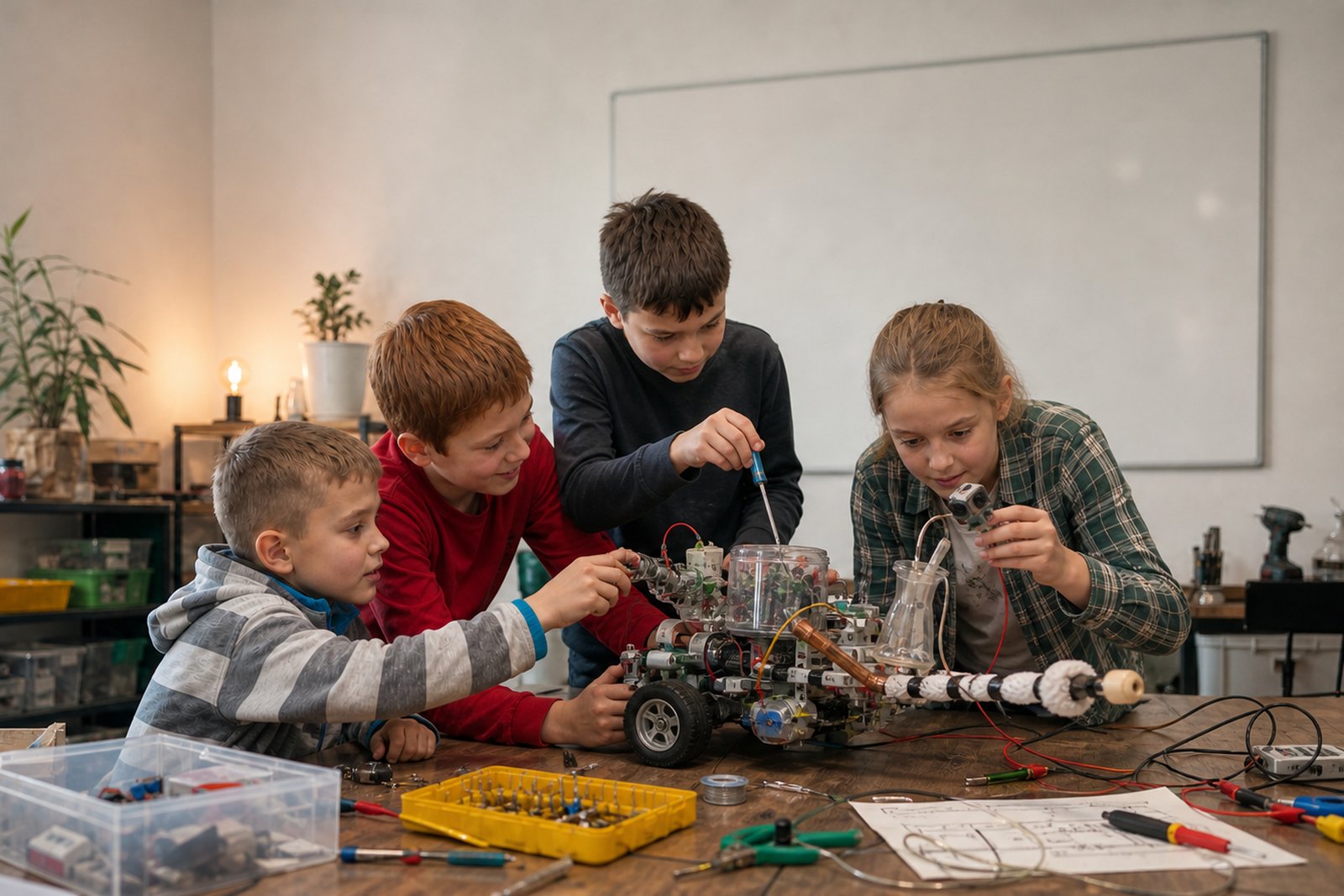
Students write exact commands, wire simple circuits, read sensors, and test small physical systems. A robot follows the rule it has, including the bad one.
The robotics loop
Then the machine senses again. Feedback is the repeated comparison between what happened and what should happen.
Topic path
Start with the available guides and lessons. The remaining topics show how the program can grow.
Class format
A paper route can expose sequence logic. An LED makes output visible. A button becomes input. A reaction timer introduces measurement and state.
Wires loosen, sensors vary, motors drift, and the real floor disagrees with the diagram. Students learn to ask whether a failure came from the code, the hardware, or the measurement.
Projects move from a clear problem through theory, guided construction, modification, testing, and demonstration. Hardware is used when it clarifies the idea.
Six Robotics projects
Write a robot route, predict where it will end, and trace the first command that goes wrong.
See how it worksProgram a timed traffic light, then add a pedestrian request without creating an unsafe transition.
See how it worksConnect a button to a visible and audible alarm, then write clear rules for arming, triggering, and resetting it.
See how it worksTest which materials complete a low-voltage circuit, record the evidence, and investigate readings that do not make sense.
See how it worksBuild a reaction timer with a random delay, an early-press rule, and results in the correct units.
See how it worksDesign a repeating patrol that notices an obstacle, tries a response, and checks whether the response worked.
See how it worksComputer Lab connection
A class may establish commands, threshold decisions, or feedback. In Computer Lab time, that idea can become a maze route, an alarm, a traffic light, a reaction timer, or a patrol challenge with multiple valid solutions.
Explore structured lab workA sensor measures. The program decides.
Parents can look for a concrete explanation: what entered the system, what rule used that information, what output followed, and what changed after a failed test.
Read the parent guideContact Eugene for current scheduling and a suitable starting point.