Children should build with technology.
Games, circuits, simulations, and robot logic turn the computer into material for construction.
Our Method
Students meet an idea, put it to work, and see whether their explanation still makes sense when the program runs or the machine moves.
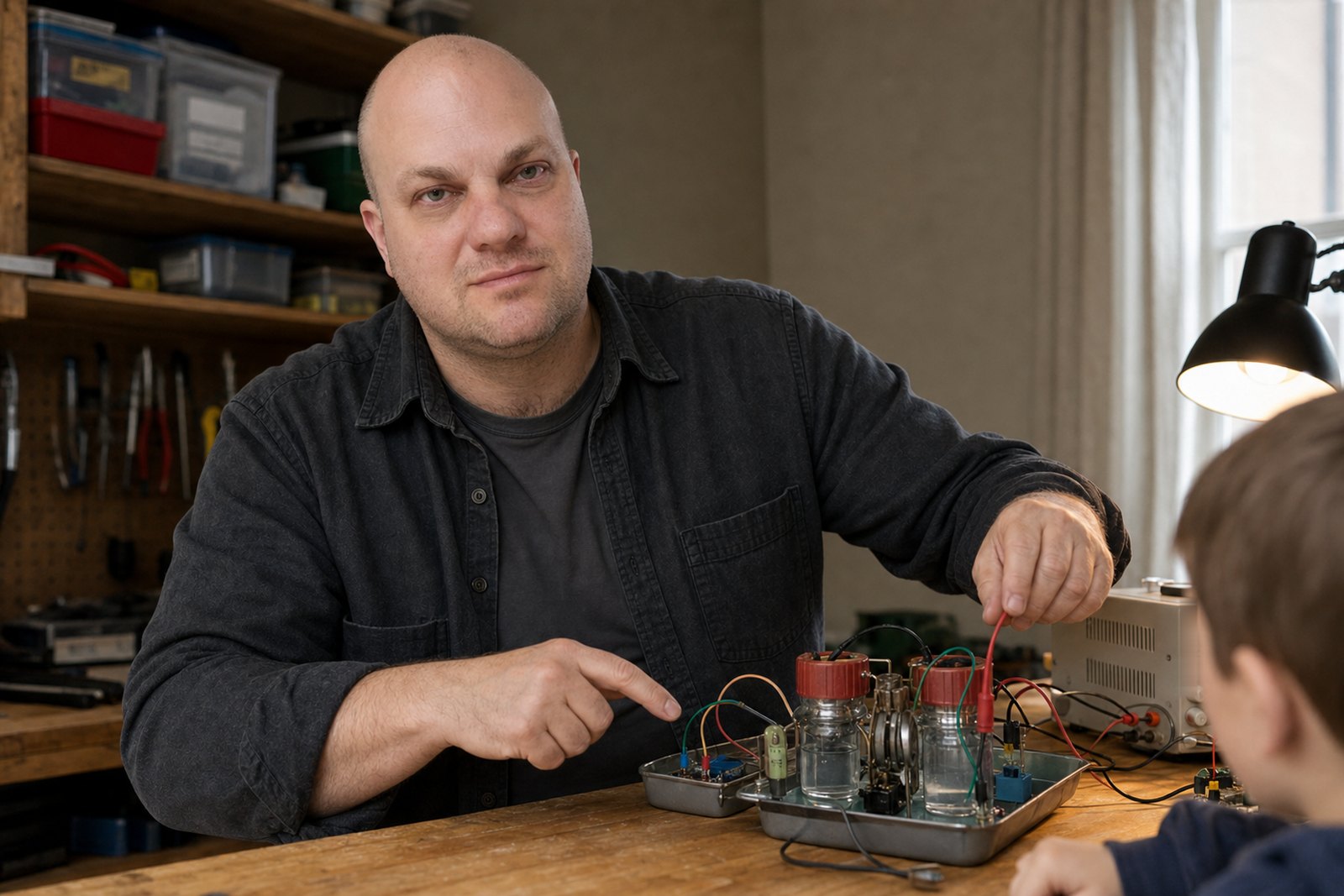
Games, circuits, simulations, and robot logic turn the computer into material for construction.
It has structure, sequence, intention, revision, and a very literal reader. Code says something precise enough to run.
Students make choices that change the result. Reproducing the instructor's finished answer is only a starting point.
The lesson supplies the idea and the constraints. Inside them, students can make strange choices, test different routes, and surprise the instructor.
A lively project still needs a structure the student can understand, repair, and reuse.
A bug records the difference between the intended rule and the one that actually ran. The next job is to locate that difference.
The task should resist automatic completion while remaining small enough to finish and explain.
A student runs the system, identifies a choice or repair, and explains the evidence behind it.
The aim is to understand enough of the system to change it on purpose.
Teaching model
Working rules
See it in practice
The topic, lesson, and project libraries include goals, examples, checkpoints, common mistakes, challenges, and plain explanations for parents.