For Parents
What happens in class, without the brochure fog.
Here are plain answers about the work, the teaching, the small groups, and the details that are still being settled.
Ask Eugene About Fit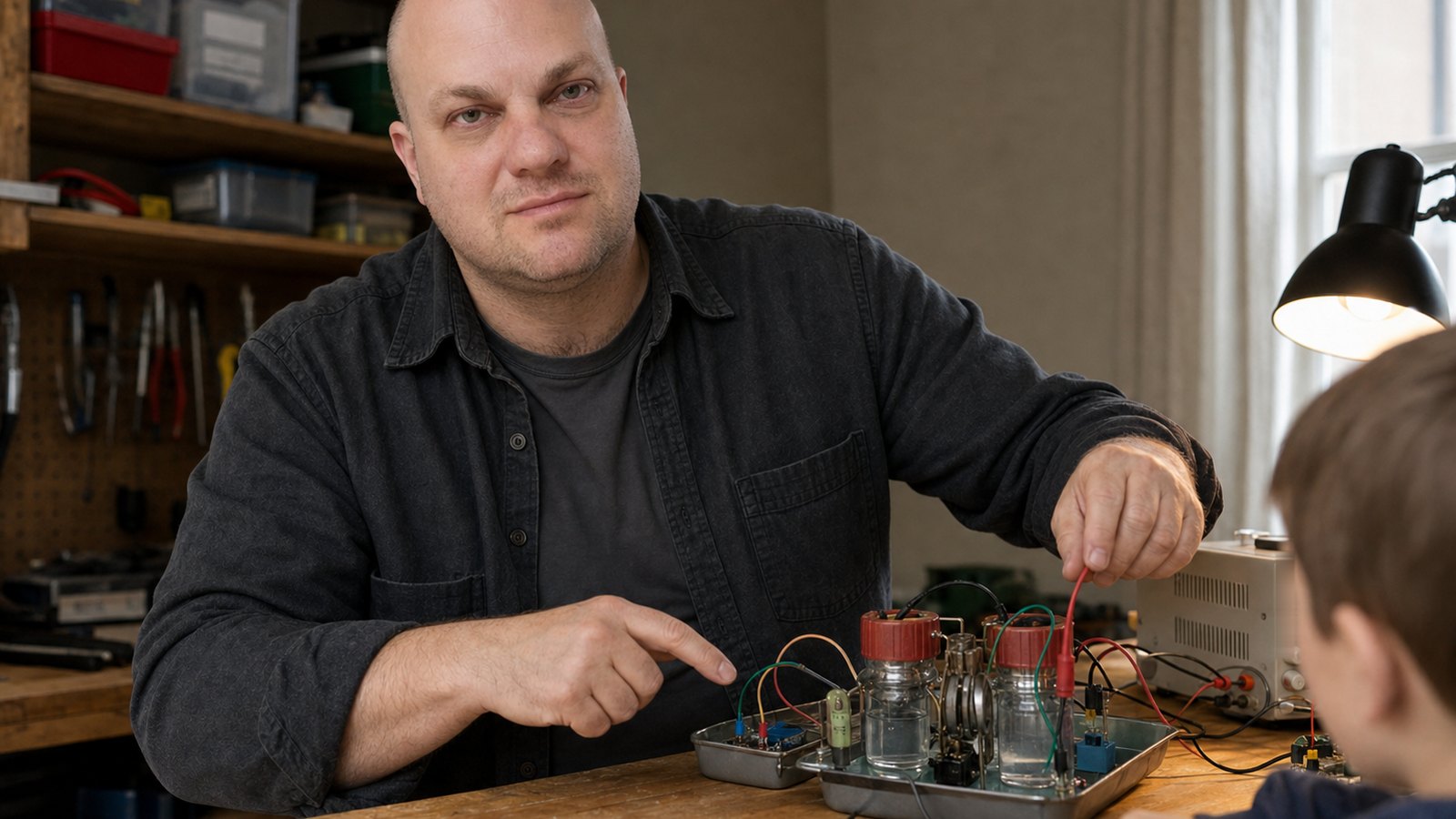
Frequently asked questions
Is this just more screen time?
The student is making something and has to account for what it does. Classes have a defined task, conversation, breaks, tests, and a clear ending.
Does my child need experience?
No programming experience is required for a beginner starting point. Previous experience changes the depth of the project and how independently the student can work.
What ages are suitable?
Published age ranges are still being finalized. Fit also depends on the program, reading comfort, interests, and willingness to stay with a small problem.
What device is needed?
Scratch and robotics use different setups. We will confirm device and hardware requirements before registration.
What is the difference between class and Computer Lab?
Class follows a planned sequence and introduces an idea through guided work. Computer Lab is additional guided time to finish, change, repair, or extend a project.
What does a student learn from making games?
A visible game can contain coordinates, events, loops, conditions, variables, messages, state, collision, probability, writing, design choices, and debugging. The demonstration makes those ideas observable.
Why use Scratch?
Scratch makes program structure visible while reducing early typing and punctuation friction. Logical errors remain: a sprite can move the wrong way, score twice, or fail to reset. Students can focus on systems before text syntax becomes the main difficulty.
How does robotics begin?
With Sense, Decide, Act: exact commands, paper or simulated routes, inputs and outputs, simple circuits, sensors, and feedback. Advanced autonomous hardware is not required to begin learning robotics.
What happens when a child gets stuck?
The instructor helps narrow the problem, name the expected result, inspect evidence, and choose one useful test. The keyboard stays with the student.
What if my child is advanced?
The same concept can support a stricter constraint, deeper system, harder edge case, reusable structure, or more independent Computer Lab project. Challenge level and group fit should be discussed before joining.
Why groups of up to four?
A coding project can look busy while one wrong state quietly controls everything. With no more than four students, the instructor has time to read the actual project, understand where each student is stuck, and ask a relevant question.
Are Roblox and AI available now?
No. Scratch & Game Design and Robotics are active. Roblox Studio / Lua and AI & Smart Machines come later.
How are projects shared safely?
Direct demonstrations to family do not require online posting. Any future gallery entry requires clear permission, minimal identifying information, and review of what the project file or link reveals.
Are student photos or full names published?
Not by default. A future gallery entry would use a first name or nickname only, and an identifiable photo would require explicit parent permission. The projects currently shown are curriculum examples, not student submissions.
What information is still being finalized?
Exact ages, prices, schedules, venue details, device arrangements, registration dates, and the timing of later programs. Contact Eugene for the current answer.
What sits under the visible project
A parent can ask concrete questions.
A finished small project beats an ambitious project that never reaches a working version.
Finished does not mean flawless. It means the student reached a version that works well enough to demonstrate, explain, criticize, and use as the starting point for a better version.